
Filming on your smartphone
Filming on your smartphone
March 17, 2017 | 04:07 AM
Filming on your smartphone
March 17, 2017 | 04:07 AM
Last Updated: March 17, 2017 | 04:07 AM

3 minute read
AA
Resize


Filming videos on your smartphone can be fun and even better when done right. Today’s smartphones provide high quality resolutions and endless possibilities in filmmaking.
Here are some tips to boost your video skills on your smartphone:
1. Shoot horizontally
Hold your smartphone horizontally not vertically because it looks more natural like a TV screen.
Photo: blog.lenovo.com
2. Hold it steady
If you don’t have a tripod, the best way to avoid shakiness is to hold the phone with both hands and lock your elbows into your body. If possible, lean against a wall.
3. Lighting is key
Set it to high before recording because it will help you see better while filming. Adjusting the brightness for all your clips will give a coherent final image.
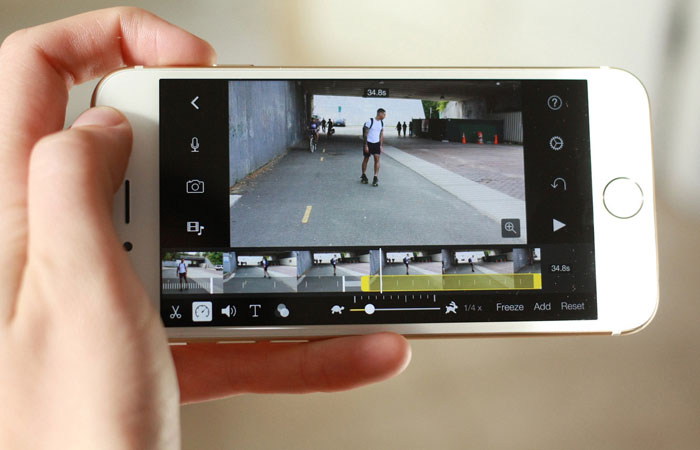
4. Use a moviemaker app
It’s important to pick an app you’re comfortable with to edit and make your videos.
Photo source: imore.com
5. Make sure audio is coherent
Sometimes the audio is blocked by your hands while filming resulting in a muffled sound. Make sure you have the right sound quality even if you have to add a mic, especially when someone speaks in crowded places.
6. Change angles
Shoot from different angles to make a balanced variety in your video.
7. Don’t zoom in!
If you want to get a closer shot, don’t zoom in. It’s better to physically move with the camera towards the subject.


